
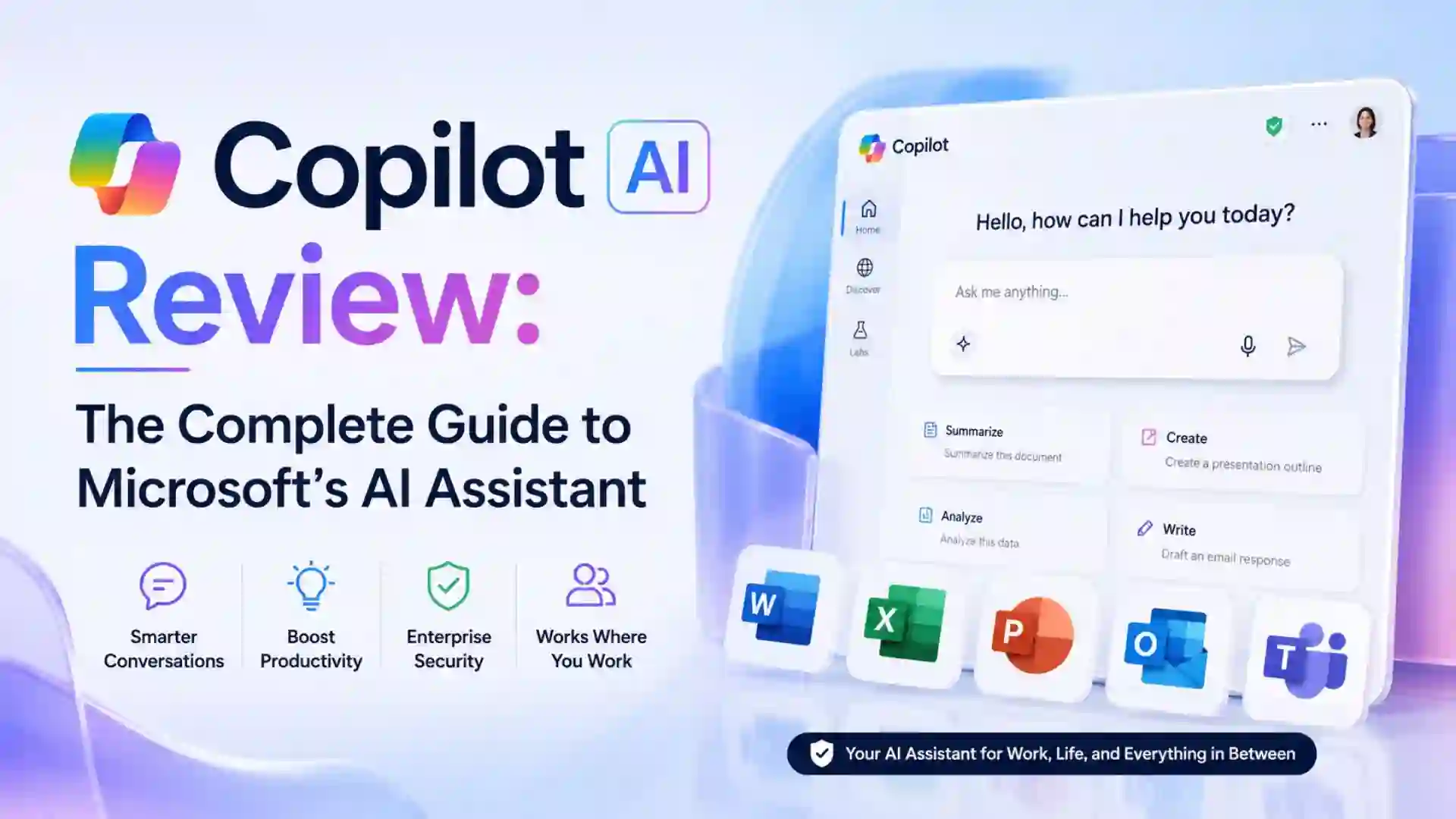
Copilot AI: Artificial Intelligence has become one of the most influential technologies of the modern era. Businesses, students, developers, content creators, and professionals are increasingly relying on AI-powered tools to improve productivity, automate repetitive tasks, and generate high-quality content. Among the many AI assistants available today, Copilot AI has emerged as one of the most recognized and widely adopted solutions.
Developed by Microsoft, Copilot AI is designed to function as an intelligent assistant that helps users perform a variety of tasks through natural language interactions. Whether writing documents, generating code, analyzing data, creating presentations, conducting research, or managing workflows, Copilot AI aims to simplify complex tasks and improve efficiency.
The platform is deeply integrated into Microsoft’s ecosystem, making it particularly attractive for users who regularly work with Microsoft applications such as Word, Excel, PowerPoint, Outlook, Teams, and Windows. Its ability to understand context and generate useful outputs has positioned it as a powerful productivity tool for individuals and organizations alike.
This comprehensive Copilot AI review examines its features, capabilities, advantages, limitations, pricing considerations, use cases, and overall value proposition. By the end of this guide, you will have a clear understanding of whether Copilot AI is the right AI assistant for your personal or professional needs.
Important Information About Copilot AI
| Information | Details |
|---|---|
| Tool Name | Copilot AI |
| Developer | Microsoft |
| Category | AI Assistant |
| Technology | Large Language Models and Generative AI |
| Primary Function | Productivity and Task Automation |
| Platform Availability | Web, Desktop, Mobile |
| Business Use | Yes |
| Developer Support | Yes |
| Content Generation | Yes |
| Coding Assistance | Yes |
| Office Integration | Word, Excel, PowerPoint, Outlook, Teams |
| Target Users | Students, Professionals, Businesses, Developers |
What is Copilot AI?
Copilot AI is Microsoft’s generative AI assistant designed to help users complete tasks more efficiently through conversational interactions.
Instead of manually performing every step of a task, users can describe what they want to accomplish, and Copilot AI generates suggestions, drafts, summaries, code, analyses, or other outputs based on the request.
The platform combines advanced language models with Microsoft’s extensive productivity ecosystem, enabling users to access AI-powered assistance directly within familiar applications.
For example, a user can ask Copilot AI to:
- Draft an email
- Summarize a report
- Create a presentation
- Analyze spreadsheet data
- Generate programming code
- Answer research questions
- Organize meeting notes
This flexibility makes Copilot AI one of the most versatile AI tools available today.
The Evolution of AI Assistants
Traditional software requires users to manually perform actions through menus, buttons, and commands.
AI assistants introduce a different approach.
Instead of navigating software manually, users simply describe their goals using natural language.
For example:
Rather than spending hours creating a PowerPoint presentation, a user might request:
“Create a presentation summarizing this quarterly sales report.”
Copilot AI then generates slides, organizes content, and suggests layouts automatically.
This shift from manual interaction to conversational computing represents one of the most significant developments in modern software.
Key Features of Copilot AI
AI-Powered Writing Assistance
Writing remains one of the most common workplace activities.
Copilot AI helps users:
- Draft documents
- Improve grammar
- Rewrite content
- Summarize reports
- Generate ideas
- Create outlines
This feature is particularly useful for professionals who regularly produce written content.
Microsoft Word Integration
Within Microsoft Word, Copilot AI can:
- Create document drafts
- Summarize lengthy content
- Rewrite paragraphs
- Improve readability
- Generate reports
Users can save significant time when working on business documents, proposals, and reports.
Excel Data Analysis
Data analysis often requires advanced spreadsheet skills.
Copilot AI simplifies this process by helping users:
- Analyze datasets
- Generate formulas
- Identify trends
- Create summaries
- Produce visualizations
Even users with limited Excel expertise can gain valuable insights from their data.
PowerPoint Presentation Creation
Creating presentations can be time-consuming.
Copilot AI assists by:
- Generating slide decks
- Creating presentation outlines
- Suggesting visuals
- Summarizing content
- Organizing information logically
This feature can dramatically reduce presentation development time.
Outlook Email Management
Email remains a major source of workplace productivity challenges.
Copilot AI can:
- Draft emails
- Summarize email threads
- Suggest responses
- Improve communication clarity
- Organize information
This capability helps professionals manage communication more effectively.
Teams Meeting Assistance
Virtual meetings generate large amounts of information.
Copilot AI helps by:
- Summarizing discussions
- Extracting action items
- Recording decisions
- Generating meeting notes
This reduces the need for manual note-taking.
Coding Assistance
Developers benefit significantly from Copilot AI’s coding capabilities.
The platform can:
- Generate code
- Explain functions
- Suggest improvements
- Debug programs
- Automate repetitive coding tasks
This functionality improves development efficiency.
Research and Information Retrieval
Copilot AI can assist users with:
- Research tasks
- Information gathering
- Knowledge discovery
- Question answering
The conversational interface makes finding information more efficient.
User Experience Review
Ease of Use
One of Copilot AI’s greatest strengths is accessibility.
Users do not need advanced technical expertise to interact with the platform.
Most tasks can be initiated through simple prompts and natural language requests.
Familiar Environment
Because Copilot AI is integrated into existing Microsoft products, users can access AI capabilities without learning entirely new software.
This familiarity reduces adoption barriers.
Fast Response Times
Modern productivity tools require speed.
Copilot AI generally delivers results quickly, allowing users to maintain workflow momentum.
Cross-Platform Accessibility
Users can access Copilot AI across multiple devices, including:
- Desktop computers
- Laptops
- Tablets
- Smartphones
This flexibility supports modern work environments.
Advantages of Copilot AI
Deep Microsoft Integration
One of the platform’s strongest advantages is seamless integration with Microsoft’s productivity ecosystem.
Users can leverage AI without switching between multiple applications.
Productivity Improvements
Copilot AI helps reduce time spent on repetitive tasks.
Examples include:
- Writing reports
- Drafting emails
- Analyzing data
- Creating presentations
This allows users to focus on higher-value activities.
Strong Enterprise Capabilities
Businesses benefit from:
- Workflow automation
- Team collaboration
- Knowledge management
- Process optimization
These capabilities support organizational efficiency.
Coding Support
Developers can use Copilot AI to accelerate software development workflows.
Code generation and debugging assistance can significantly improve productivity.
Learning and Skill Development
Students and professionals can use Copilot AI as a learning companion.
The platform can explain concepts, summarize materials, and provide educational support.
Potential Limitations
Response Accuracy
Like all AI systems, Copilot AI may occasionally produce inaccurate information.
Users should verify important outputs before relying on them.
Dependency Risk
Overreliance on AI tools may reduce critical thinking and independent problem-solving skills.
Users should maintain active involvement in decision-making processes.
Complex Requests
Some highly specialized or technical requests may require human expertise beyond what AI can provide.
Subscription Costs
Advanced AI features may require paid plans, which could impact affordability for some users.
Privacy Considerations
Organizations handling sensitive information should carefully evaluate privacy and security requirements before adopting AI solutions.
Copilot AI for Businesses
Businesses represent one of the largest user groups for Copilot AI.
Improved Employee Productivity
Employees can automate repetitive tasks and focus on strategic work.
Better Communication
AI-assisted writing improves consistency and clarity across business communications.
Faster Decision-Making
Data analysis and information retrieval capabilities help organizations make informed decisions more quickly.
Enhanced Collaboration
Meeting summaries and collaborative features improve team coordination.
Reduced Administrative Work
Automation reduces the burden of routine administrative tasks.
Copilot AI for Students
Students can use Copilot AI for:
- Research assistance
- Study guides
- Content summaries
- Writing support
- Learning new concepts
These capabilities can improve academic productivity and understanding.
Copilot AI for Content Creators
Content creators often need to generate large volumes of material.
Copilot AI can assist with:
- Blog writing
- Social media content
- Video scripts
- Content planning
- Idea generation
This helps creators maintain consistent publishing schedules.
Copilot AI for Developers
Software developers represent another important audience.
Benefits include:
Faster Coding
Code suggestions accelerate development.
Error Reduction
AI-assisted debugging can help identify issues more quickly.
Documentation Support
Developers can generate documentation efficiently.
Learning Assistance
Beginners can learn programming concepts through AI explanations.
Copilot AI vs Traditional Productivity Tools
Traditional software requires manual execution of tasks.
Copilot AI introduces intelligent assistance that helps users:
- Work faster
- Reduce errors
- Automate workflows
- Improve efficiency
This shift fundamentally changes how people interact with productivity software.
The Future of Copilot AI
Artificial intelligence continues evolving rapidly.
Future enhancements may include:
- Better reasoning capabilities
- Improved personalization
- More accurate responses
- Expanded software integrations
- Enhanced multimodal functionality
- Stronger enterprise automation
As AI technology advances, Copilot AI is likely to become even more deeply integrated into everyday workflows.
The future workplace may increasingly rely on AI assistants as standard productivity companions.
Is Copilot AI Worth Using?
For many users, the answer is yes.
Copilot AI offers substantial benefits in:
- Productivity
- Automation
- Content creation
- Communication
- Data analysis
- Software development
Its integration with Microsoft’s ecosystem provides a significant advantage for users already working within Microsoft products.
While it is not perfect and still requires human oversight, the platform can dramatically reduce the time and effort required for many common tasks.
Organizations, students, professionals, and developers can all derive meaningful value from its capabilities.
FAQ about Copilot AI
What is Copilot AI?
Copilot AI is Microsoft’s artificial intelligence assistant designed to help users complete tasks through natural language interactions.
Who can use Copilot AI?
Students, professionals, businesses, developers, and content creators can all benefit from Copilot AI.
Can Copilot AI write documents?
Yes. It can draft, rewrite, summarize, and improve documents.
Does Copilot AI work with Microsoft Office?
Yes. It integrates with Word, Excel, PowerPoint, Outlook, Teams, and other Microsoft products.
Is Copilot AI useful for coding?
Yes. Developers can use it for code generation, debugging, explanations, and productivity improvements.
Can Copilot AI analyze data?
Yes. It can assist with spreadsheet analysis, trend identification, and data interpretation.
Is Copilot AI suitable for businesses?
Yes. Businesses can use it for workflow automation, collaboration, communication, and productivity enhancement.
Does Copilot AI replace human workers?
No. It is designed to assist users and improve efficiency rather than completely replace human expertise.
Conclusion
Copilot AI has established itself as one of the most powerful AI assistants available today. By combining advanced generative AI capabilities with deep integration into Microsoft’s productivity ecosystem, it offers a comprehensive solution for individuals and organizations seeking to work more efficiently.
Its strengths in writing assistance, data analysis, presentation creation, coding support, communication management, and workflow automation make it valuable across numerous industries and professions. The platform’s ease of use and familiarity further contribute to its growing popularity among students, professionals, businesses, and developers.
Although limitations such as occasional inaccuracies, subscription costs, and privacy considerations remain important factors, the overall value proposition is compelling. Copilot AI helps users save time, improve productivity, and streamline everyday tasks without requiring extensive technical expertise.
As artificial intelligence continues to reshape the workplace, Copilot AI is well-positioned to remain a leading productivity assistant. For anyone looking to enhance efficiency, automate repetitive work, and leverage the power of AI within a familiar software environment, Copilot AI is certainly worth exploring.